• maiweb v0.1.0
  • ★
  • Feedback

#yanko-design

1 source tagged with this.

  • Yanko Design
  • Yanko Design yankodesign.com design product-design yanko-design 2026-08-04 13:20

    ↗

    Khadas Just Made a $199 Amp That Snaps to Your iPhone Like a WalletPortable audio has long been a game of compromise. DAC dongles give you a modest step up from your phone’s built-in output, but connect anything...

    Portable audio has long been a game of compromise. DAC dongles give you a modest step up from your phone’s built-in output, but connect anything more demanding than a pair of featherweight earbuds, and they start to run out of steam. Desktop amplifiers solve the power problem but chain you to a desk, a power outlet, and a bag heavy enough to make you think twice about bringing them anywhere.

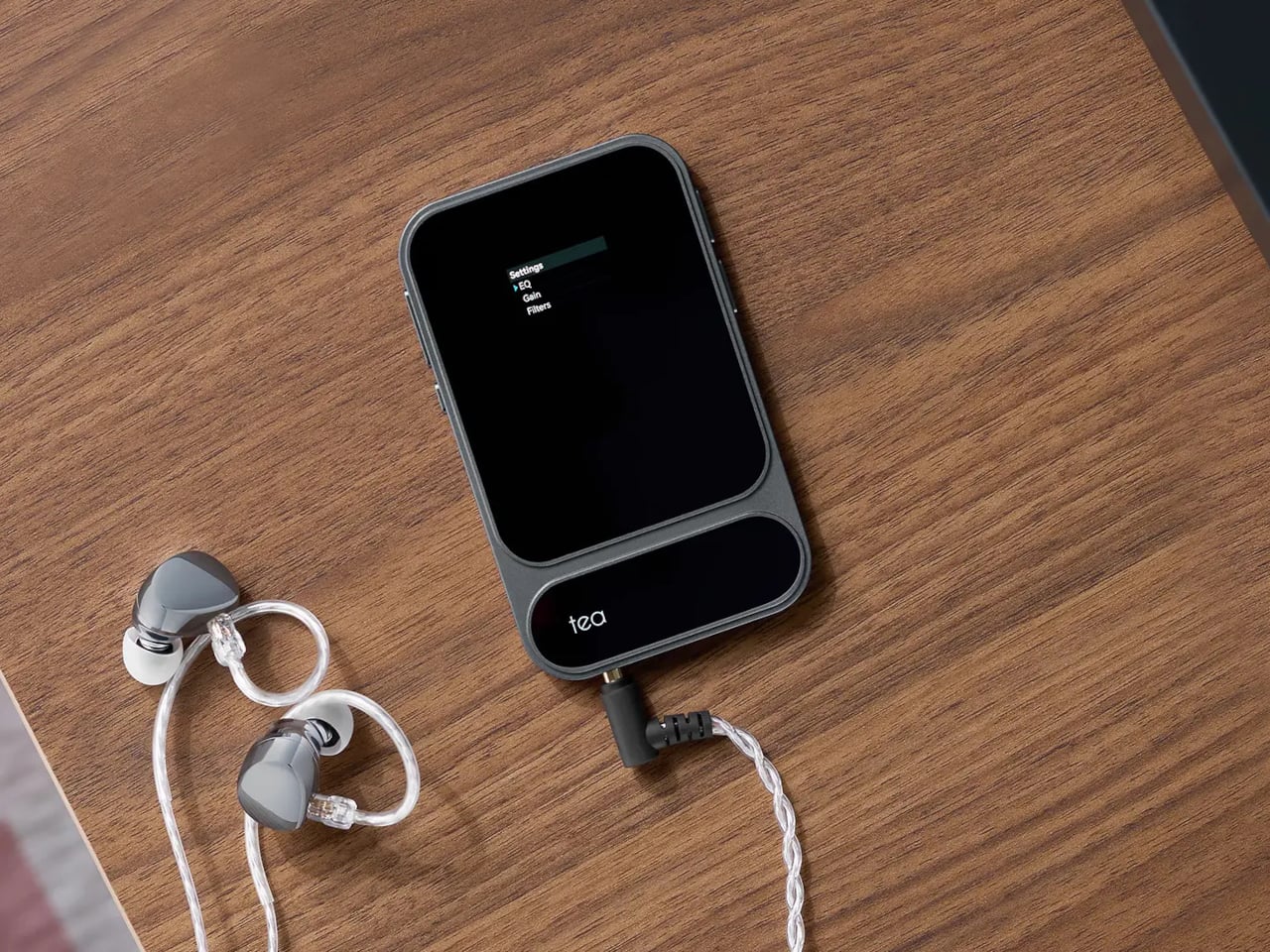
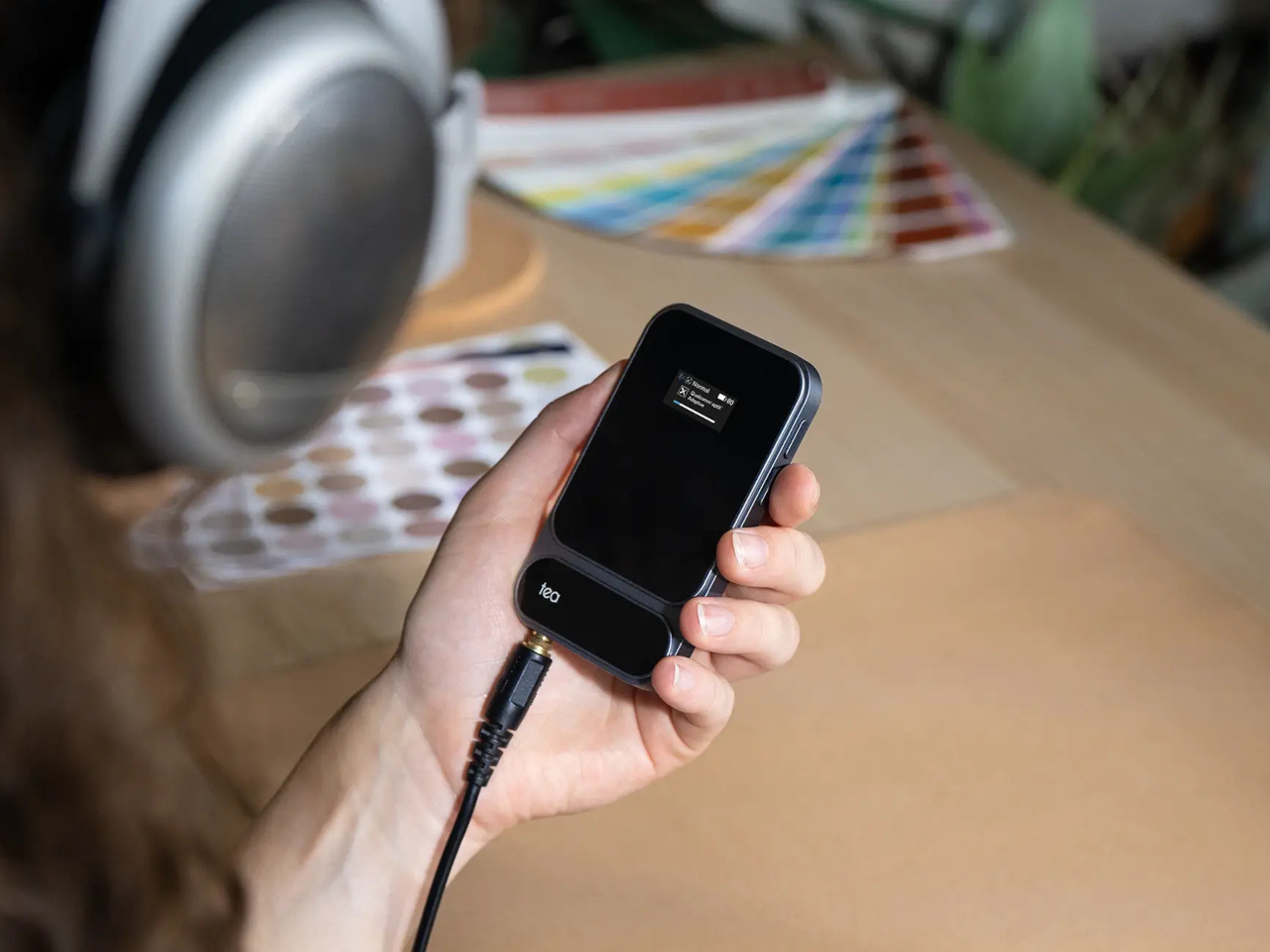
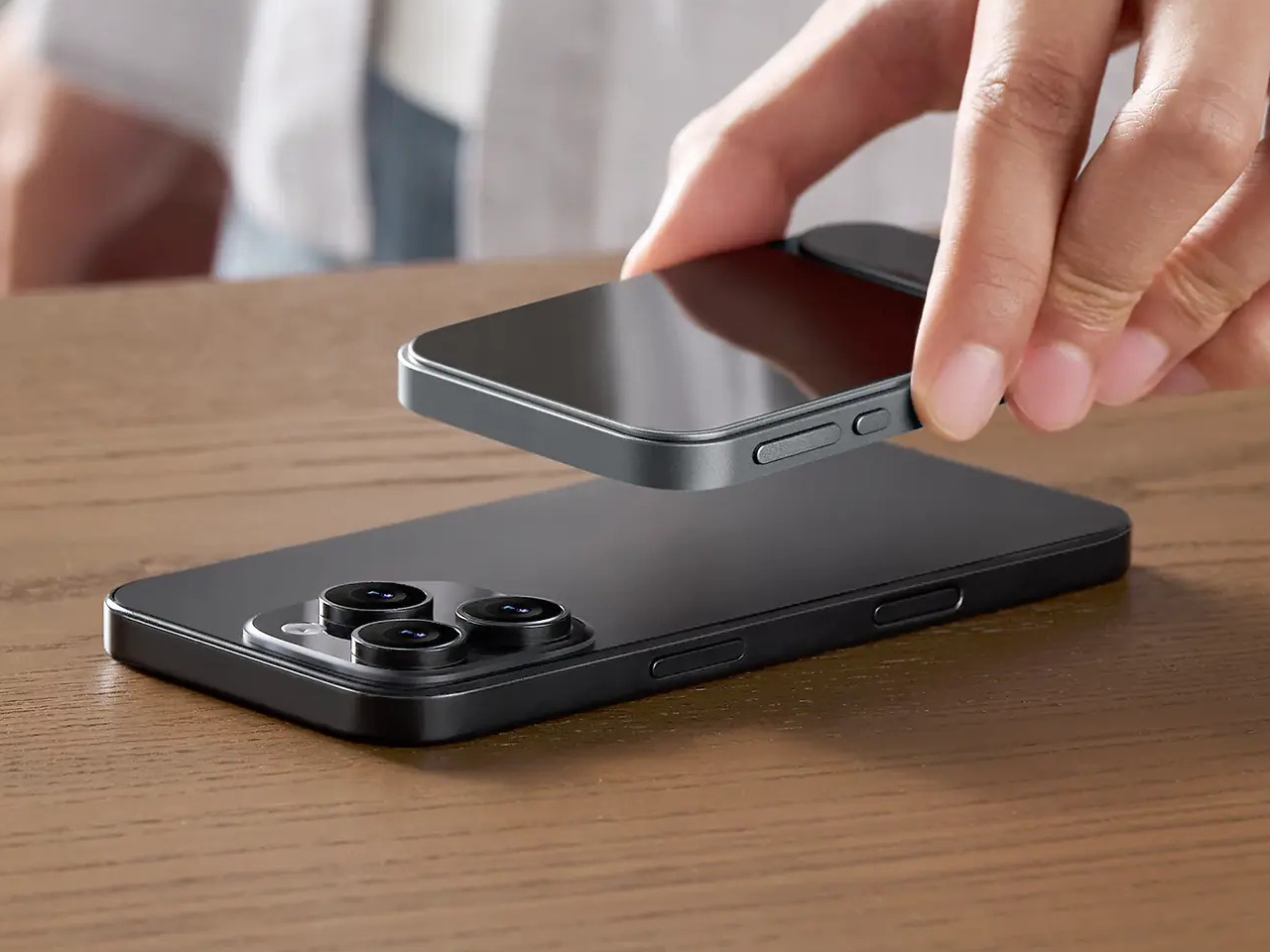
    The Khadas Tea Pro sits firmly in the space between those two options, offering enough amplification for serious headphones without the bulk or the cable tangle. At 7.85 mm thin and 96 grams, it genuinely disappears into a pocket, and its magnetic back panel snaps directly onto any iPhone 12 or later, turning your phone and DAC into a single, tidy unit that doesn’t need a pouch of its own.

    Designer: Khadas

    The connection is handled by 19 N56SH magnets, holding the Tea Pro against the back of the phone without straps or brackets. Android users and those with older iPhones can attach a magnetic ring to their case and get the same result. A premium wear-resistant leather panel covers the back, giving the device a tactile quality that’s a step removed from the usual plastic-and-aluminum DAC dongle aesthetic.
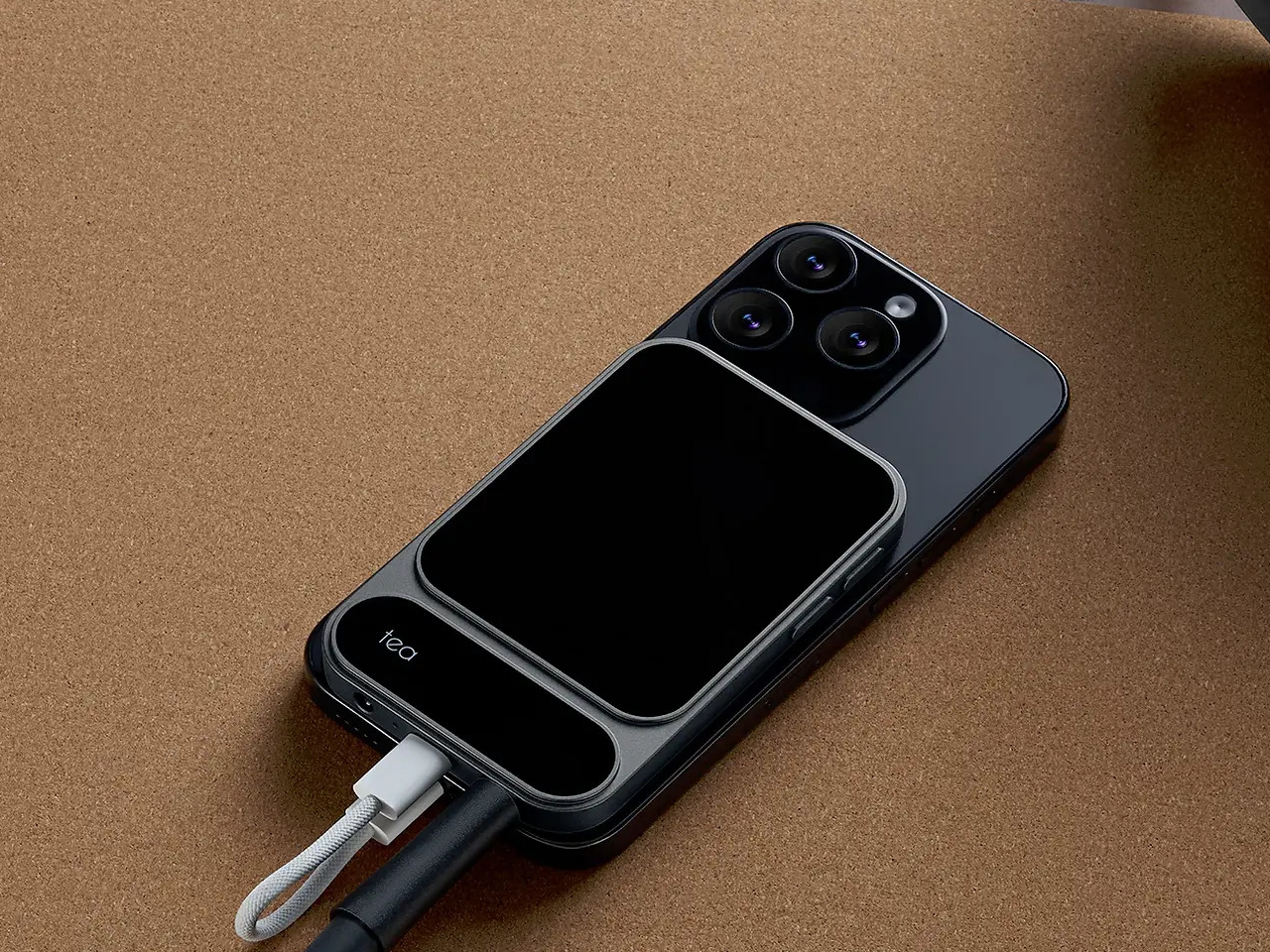
    Inside, an ESS ES9039Q2M DAC chip works alongside an XMOS XU316 USB bridge for wired playback, delivering PCM up to 768kHz at 32-bit and DSD up to 512 native. The signal chain runs through TI OPA1612 op-amps and Ricore RT6863 amplifier chips, achieving a total harmonic distortion of -118 dB, a specification more at home in a studio rack than a 96-gram device that slips into a shirt pocket.
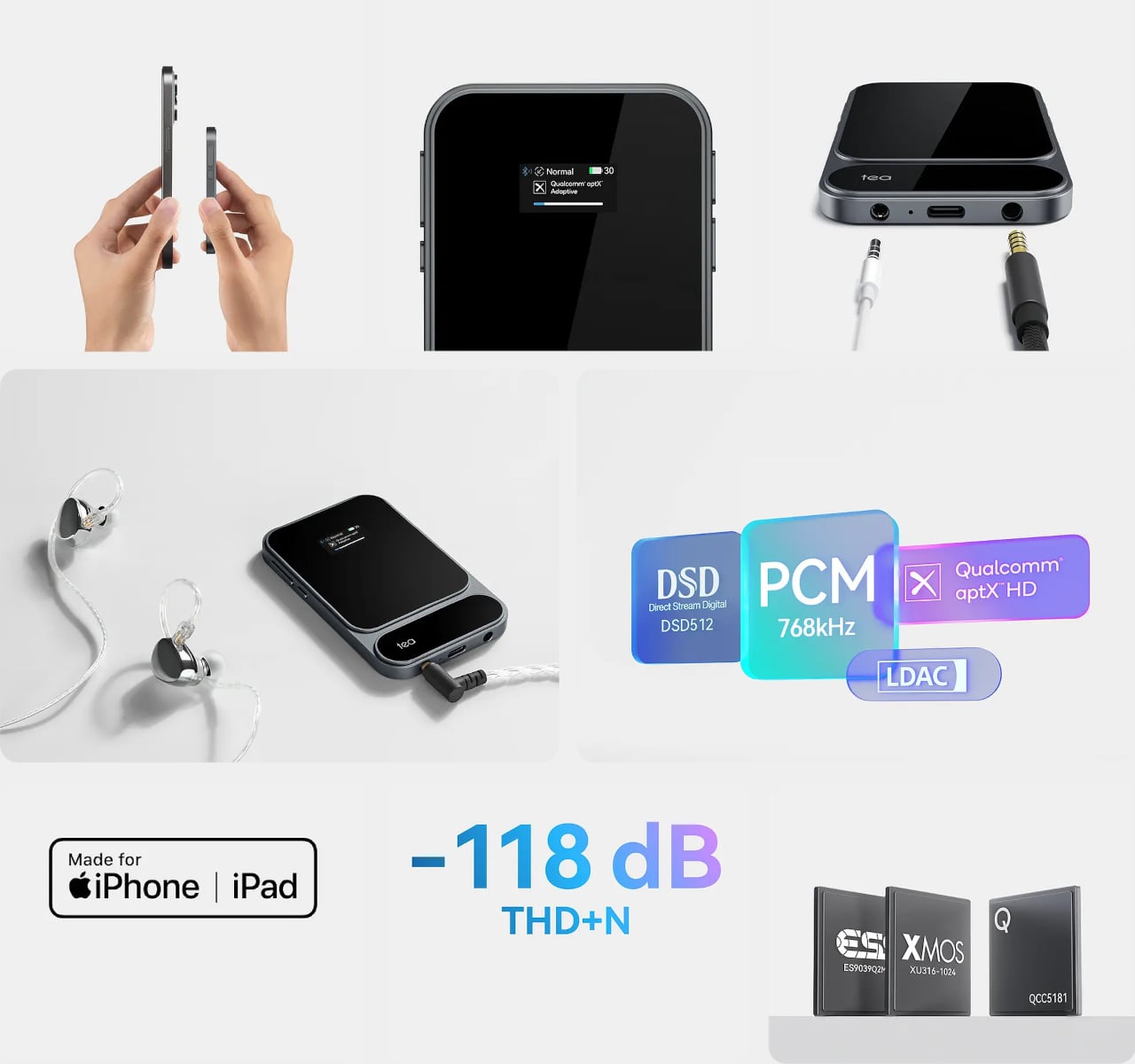
    Both a 4.4mm balanced and a 3.5mm unbalanced output are on board, with the balanced jack putting out 165mW into 33 ohms and the unbalanced delivering 120mW. The Tea Pro also manages 41.67mW into 600 ohms, meaning even demanding full-size headphones with high impedance get a fully powered signal rather than an underpowered afterthought by a device that’s trying too hard to be small.
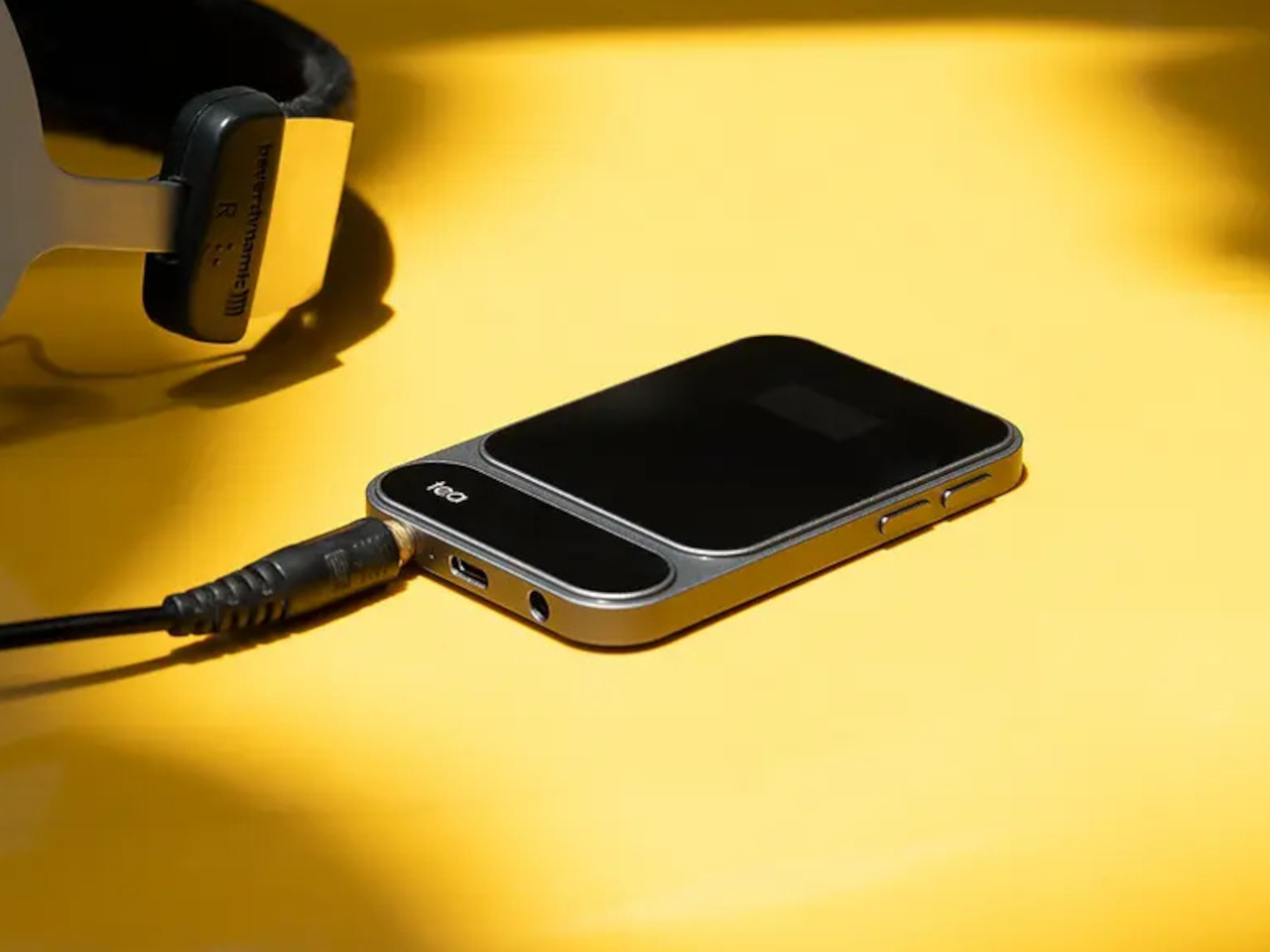

    Wireless connectivity comes via a Qualcomm QCC5181 Bluetooth 5.4 chip that covers SBC, AAC, aptX, aptX Adaptive, aptX HD, and LDAC, keeping the Tea Pro compatible with virtually any device. The Khadas app adds a feature-rich equalizer that works over Bluetooth, letting you shape the sound to your taste without touching the hardware. There’s also a built-in microphone, so taking a call doesn’t require unplugging anything.
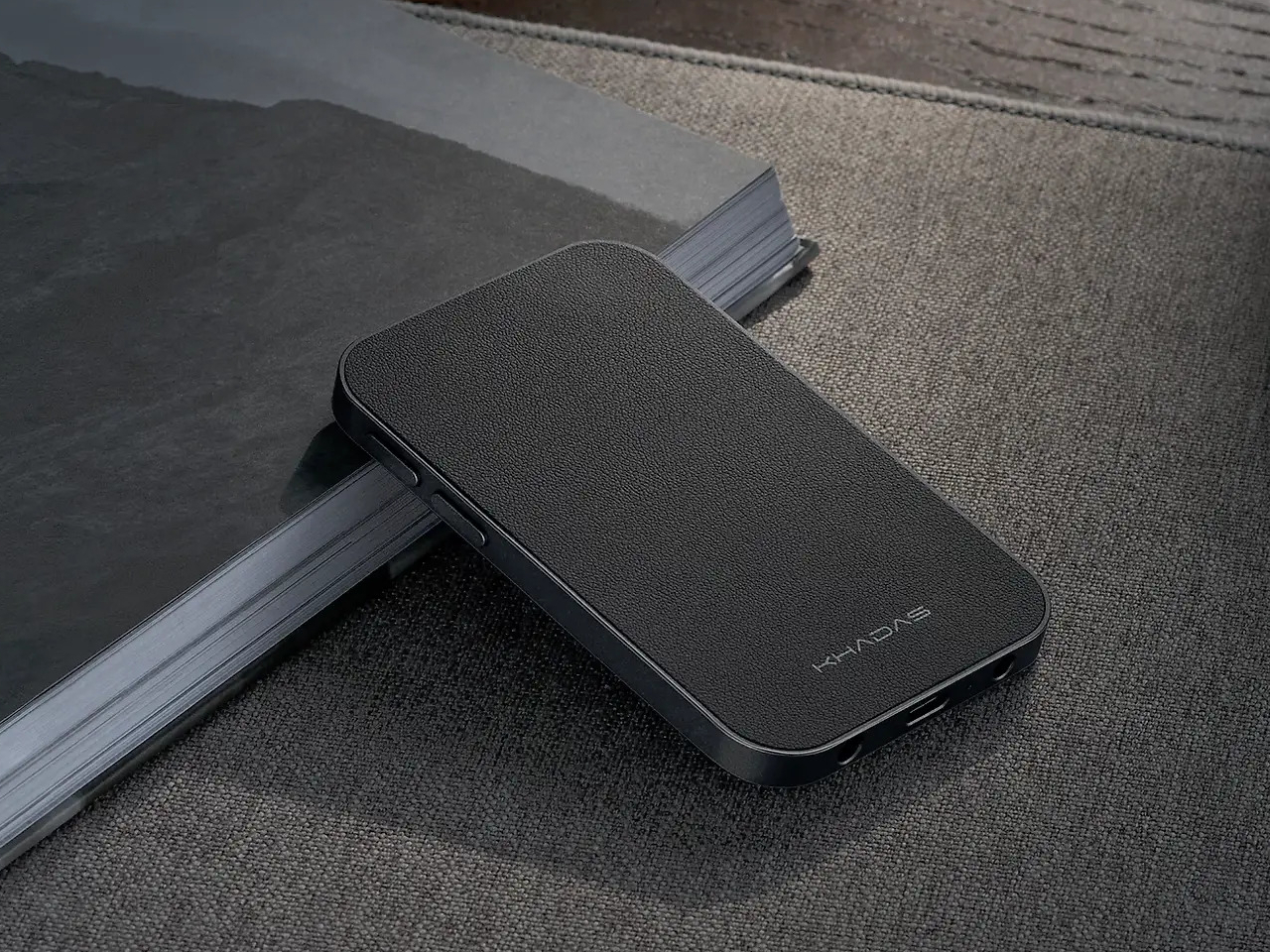
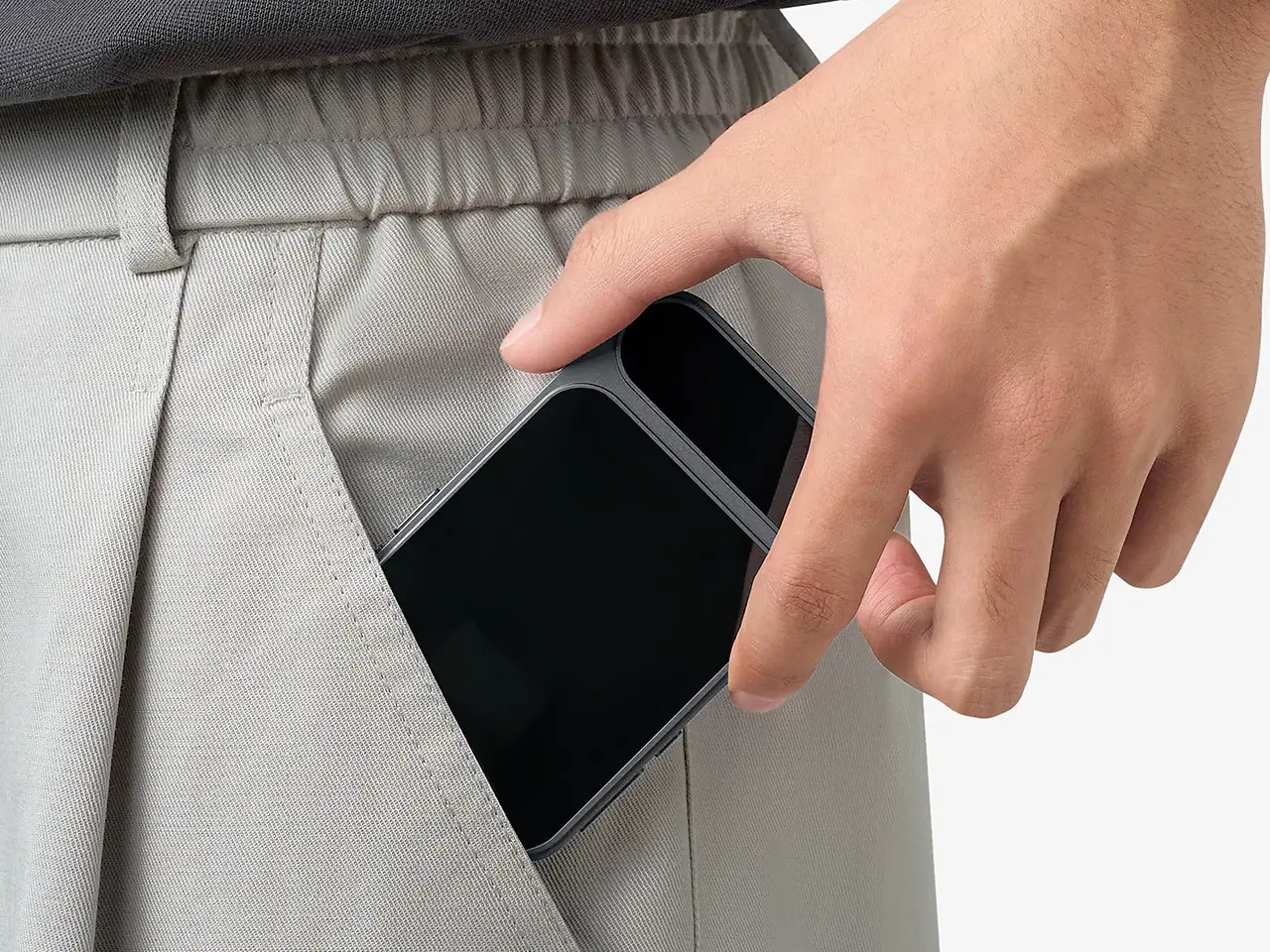
    A 2100mAh battery supports up to 11 hours of wireless playback or just over eight hours wired, enough to outlast a full day of commuting without reaching for a charger. A 0.95-inch AMOLED color display on the front keeps output format, volume, and battery status visible at a glance, while independent power management keeps the battery from draining your phone when you aren’t connected to a power source.
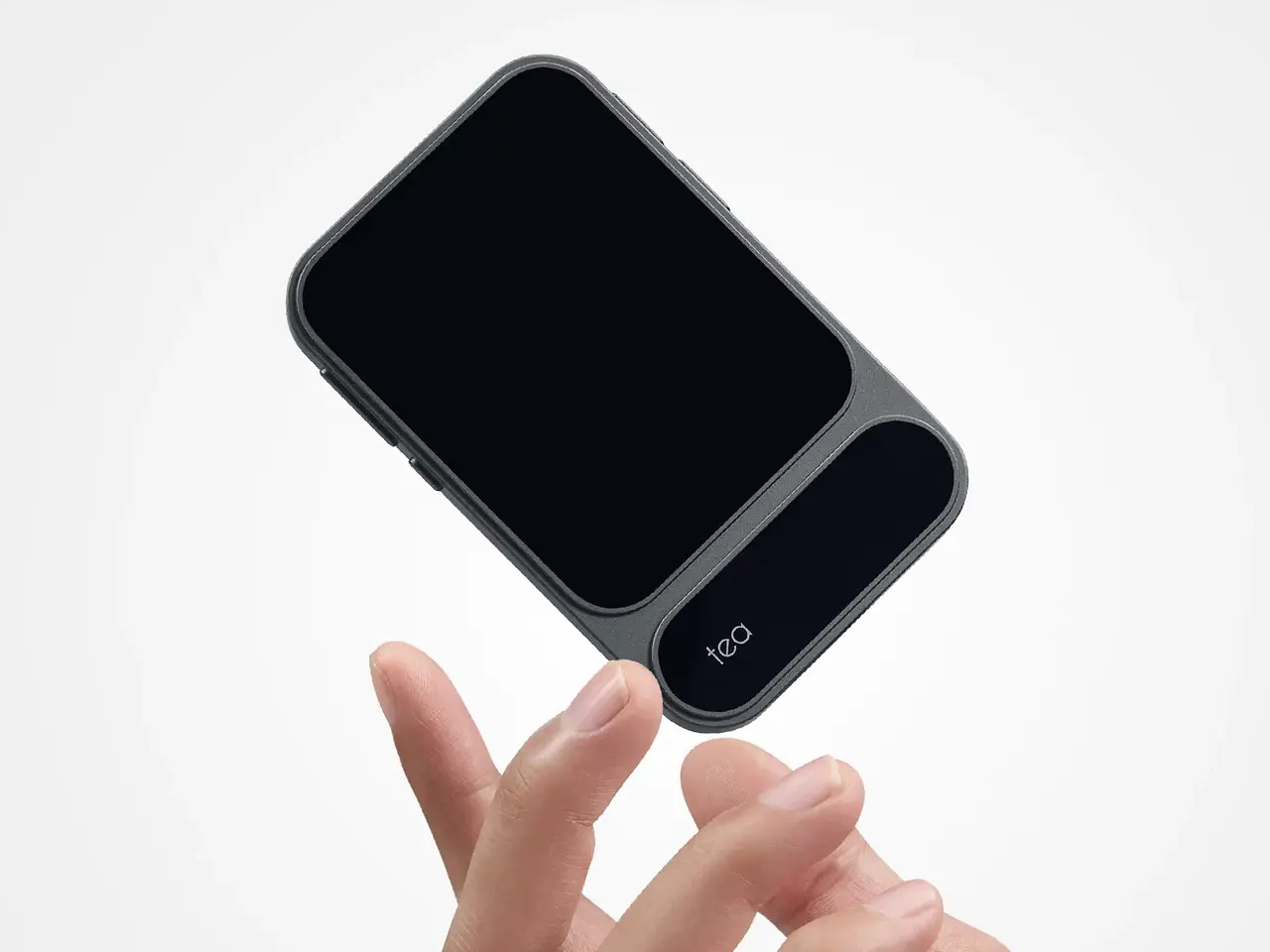

    Volume control runs through a dedicated analog chip rather than a software slider, keeping noise out of the signal path. The Tea Pro is priced at $199, which puts it well above the typical dongle but far below a battery-powered desktop DAC/amp that requires its own carrying case. For a device that fits in a jacket pocket and holds itself to the back of your phone, that’s a narrowing of the gap that’s hard to argue with.

    The post Khadas Just Made a $199 Amp That Snaps to Your iPhone Like a Wallet first appeared on Yanko Design.
    • How to do your own online health research like a scientist – a biostatistician’s step-by-step guide The Conversation US
    • Cisco's Agents Reason Like a CCIE David Bombal
    • Stop Smudging Wrong: How to Blend in Procreate Like a Pro Art with Flo
  • Yanko Design yankodesign.com design product-design yanko-design 2026-08-04 10:07

    ↗

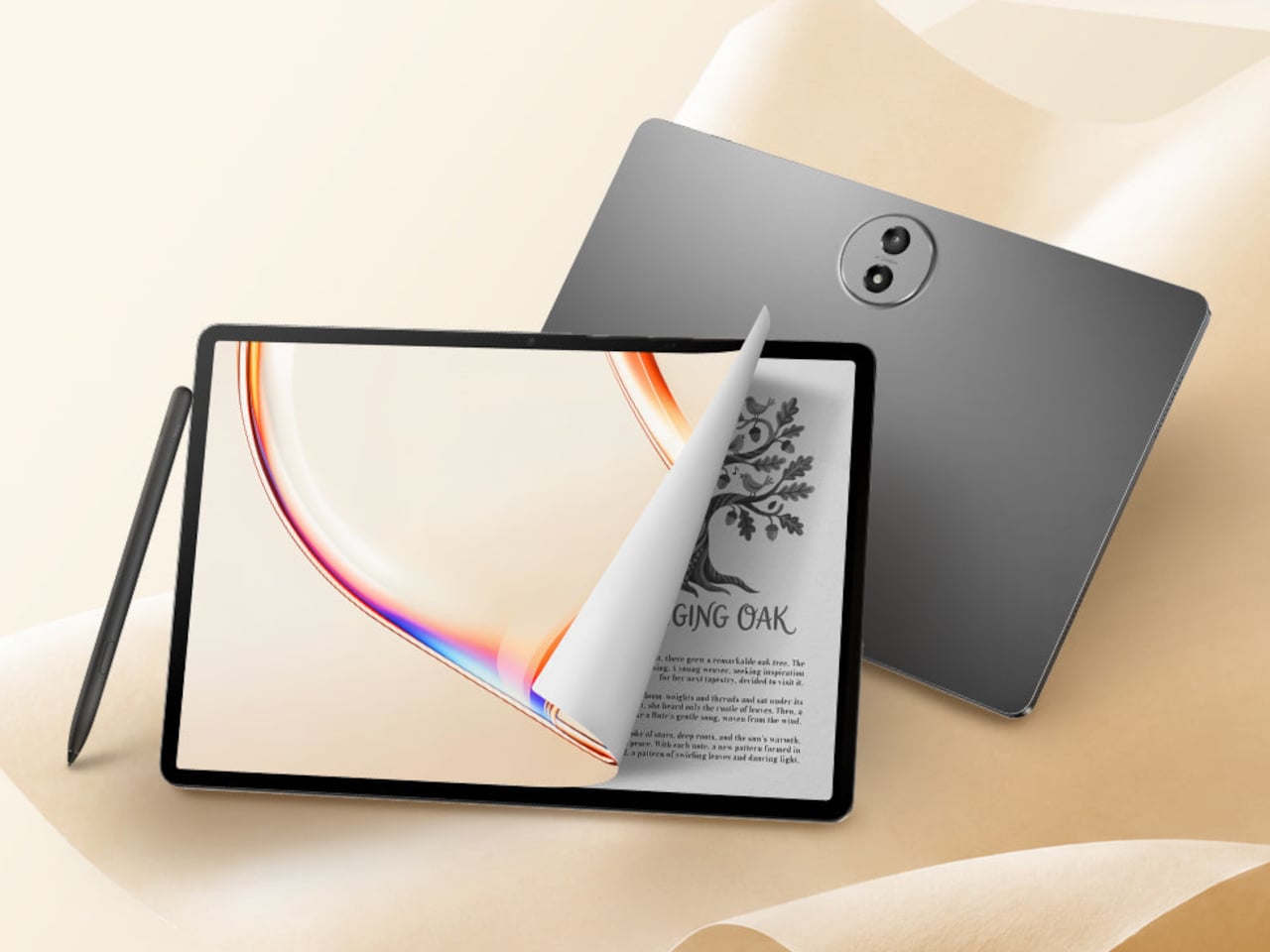
    This $400 Tablet Comes With a Stylus, a Case, and Eyes That Don’t HurtScreen time on tablets has never been higher, but comfort hasn’t kept pace. Most tablet displays are still optimized for brightness and color gamut, with...

    Screen time on tablets has never been higher, but comfort hasn’t kept pace. Most tablet displays are still optimized for brightness and color gamut, with eye protection largely an afterthought or a toggle buried in settings. Reading long documents, annotating notes, or watching videos for hours on a typical panel can leave your eyes feeling the aftermath in ways that aren’t exactly encouraging.

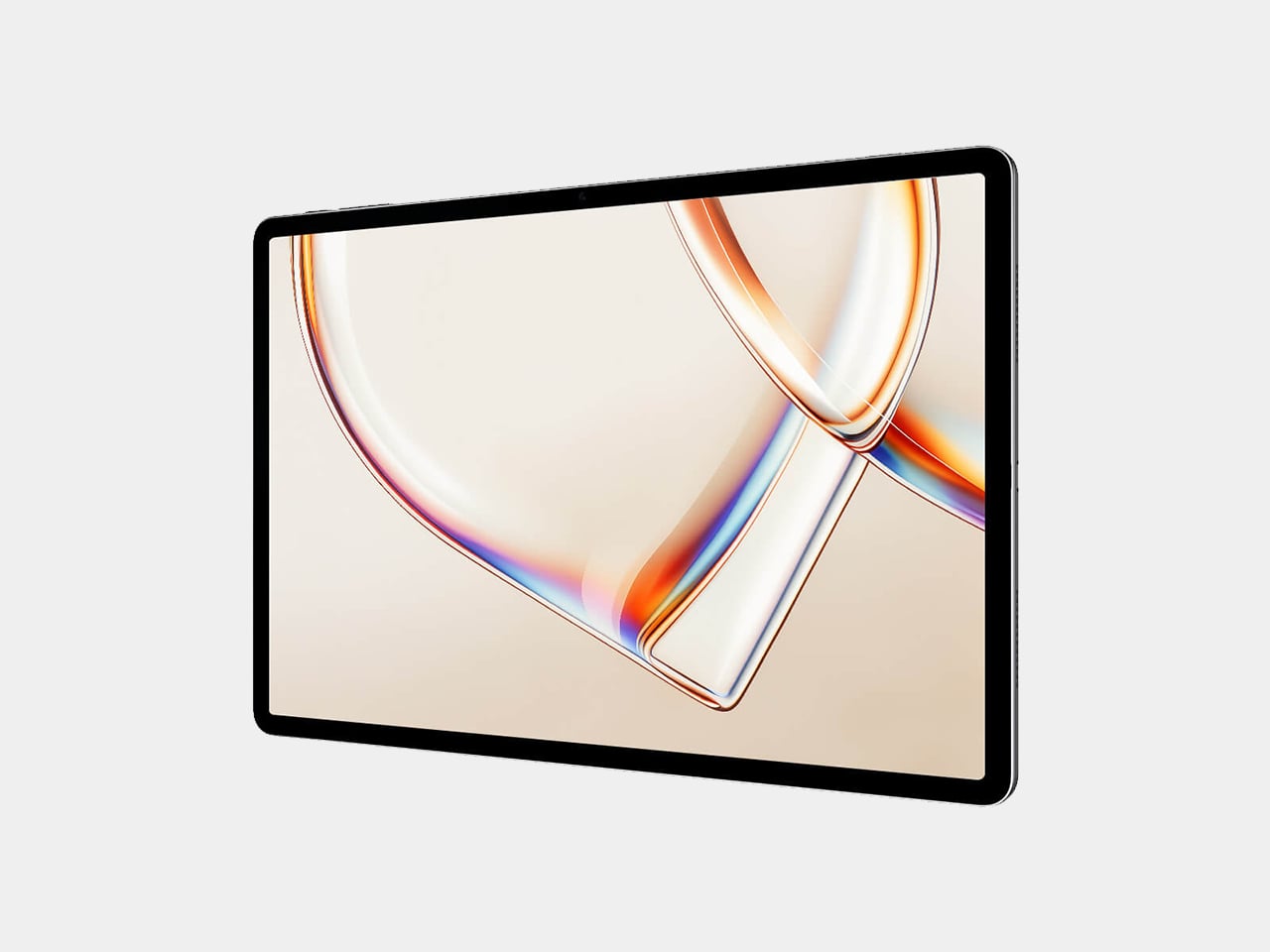
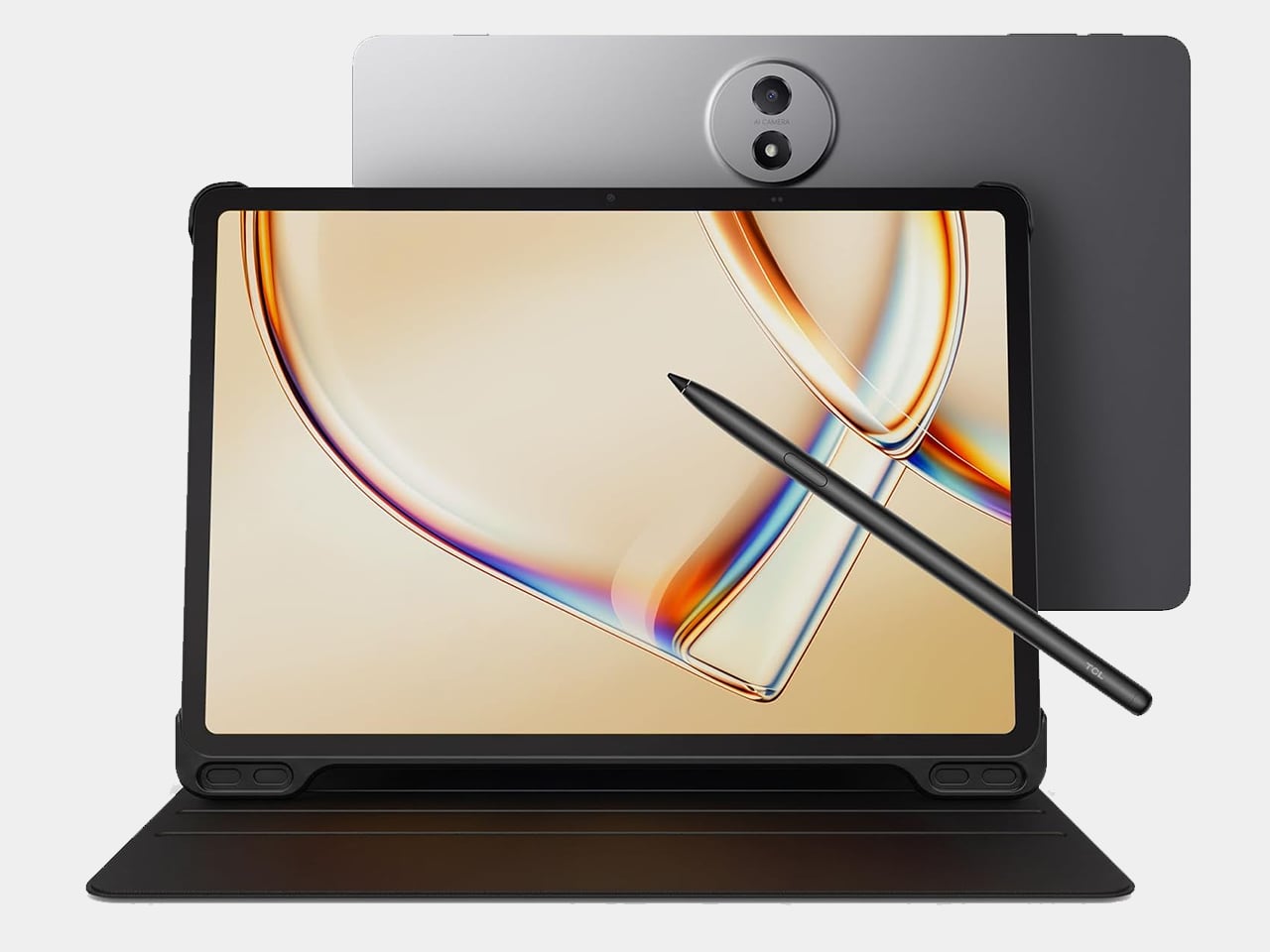
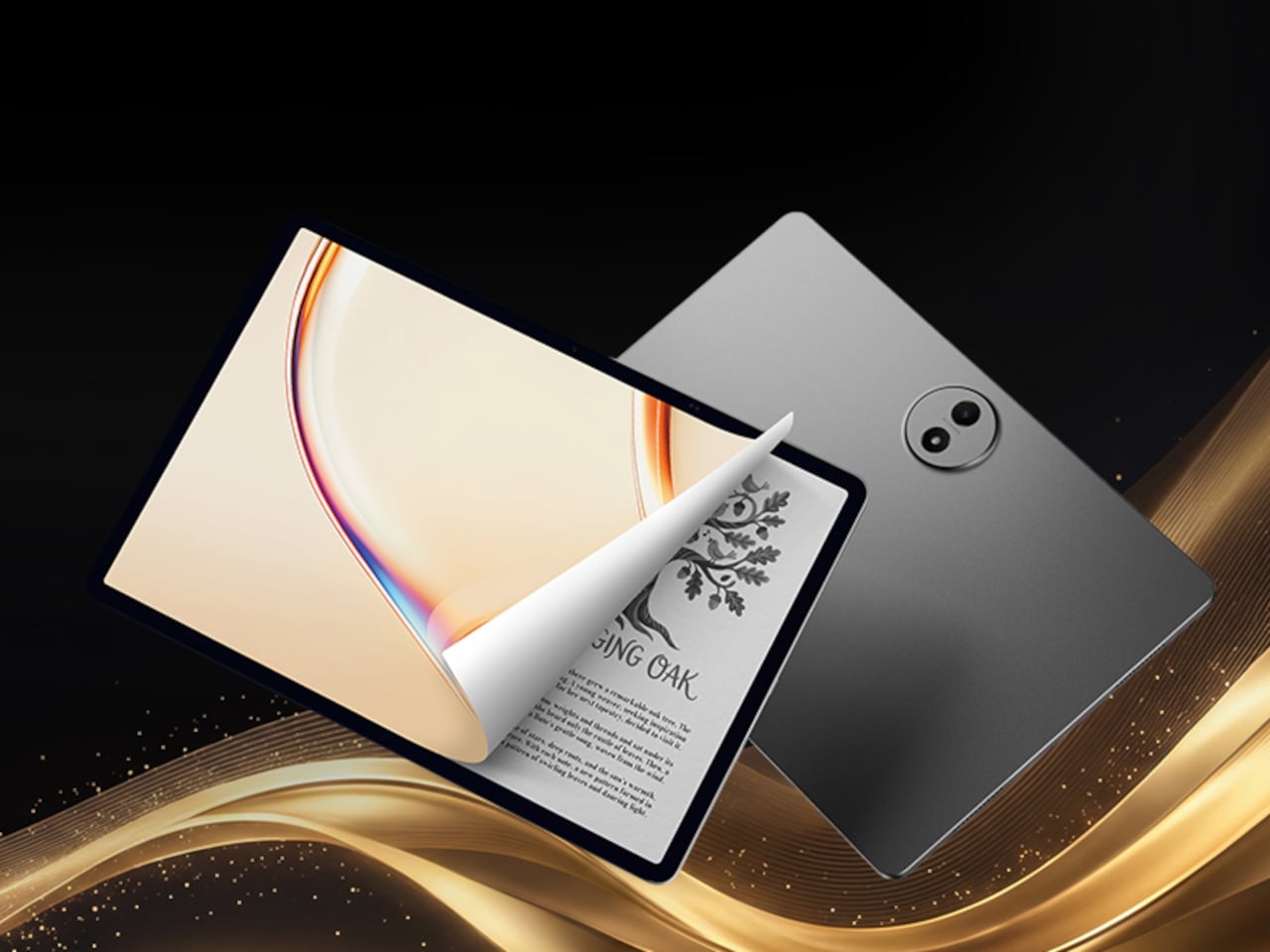
    TCL’s TAB A1 Plus NXTPAPER approaches that problem with something more deliberate than a simple blue-light filter. Built around the brand’s fourth-generation NXTPAPER display technology, it brings a large 12.2-inch 2.4K panel that combines seven integrated eye-comfort technologies, including Nano Crystal Shield Glass and an OmniSoft Light System, to more closely replicate the gentler, less fatiguing qualities of reading on paper.

    Designer: TCL

    The aspect ratio is worth noting too. At 3:2, the screen is taller than typical tablets, which means more of a document or webpage fits on screen without endless scrolling. That might sound like a minor detail until you’re cross-referencing notes during a study session or keeping track of multiple open documents across a long work afternoon. The adaptive 120Hz refresh rate keeps every interaction smooth throughout.

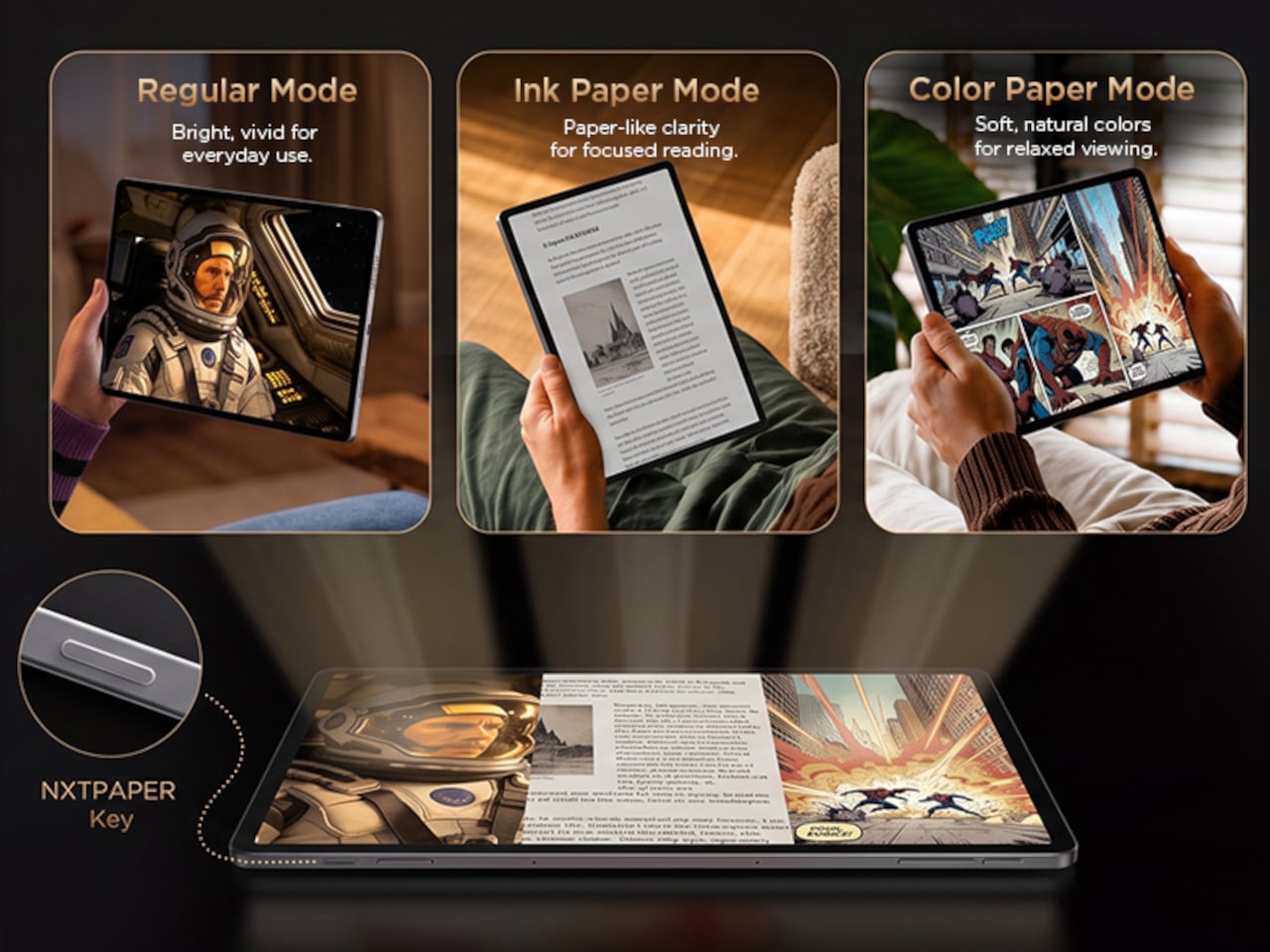
    Switching between display modes is handled by the dedicated NXTPAPER Key, which cycles through paper-like and standard color modes without digging into settings menus. The 3-in-1 VersaView feature goes a step further, letting you pin specific apps to stay in full color while the rest of the interface remains in the easier-on-the-eyes paper mode. It’s a level of personalization that’s genuinely thoughtful.

    NXTPAPER isn’t attempting to replicate E Ink or compete with dedicated e-readers on texture alone. It preserves the advantages of a conventional color display, including smooth video playback and vivid visuals, while adding the glare reduction and light softening that make extended reading sessions less punishing. The result is a screen that can move from a video stream to a study session without demanding any trade-off.

    A suite of built-in AI tools handles the more tedious parts of daily work. Google Gemini and Circle to Search are onboard, alongside Writing Assist, Text Assist, a Smart Translator, and Smart Voice Memo. The tablet also runs Android 16 with Split Screen, Floating Windows, and Sidebar features built in, which means going from writing a draft to pulling research doesn’t require closing anything.

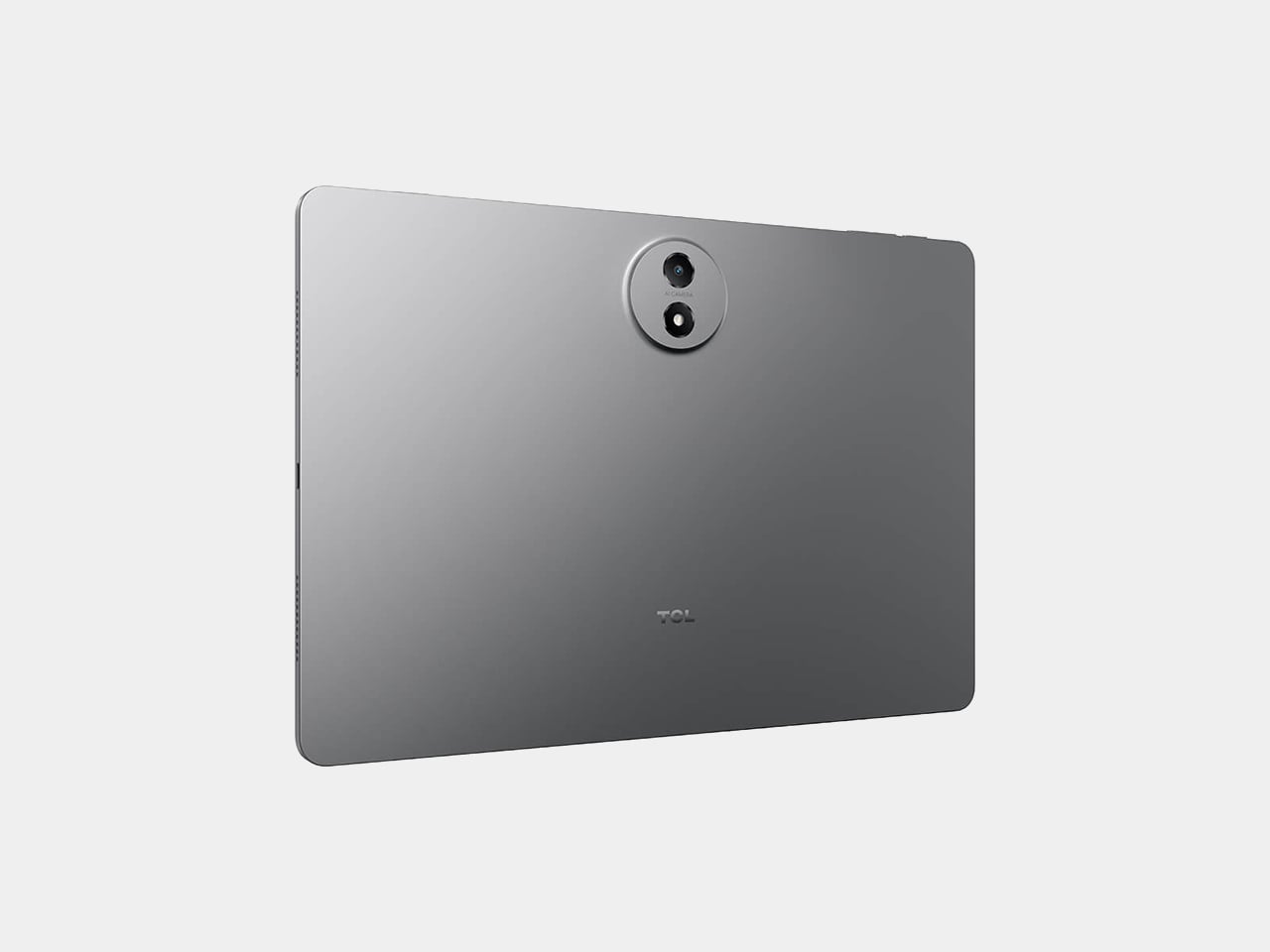
    Under the hood, the Snapdragon 4 Gen 2 chip pairs with up to 16GB of RAM and 256GB of storage, expandable to 2TB via microSD. The 10,000mAh battery is large enough to carry through extended sessions without anxiety, and the 33W fast charging means a dead tablet doesn’t stay that way for long. The metal unibody keeps the whole package under 6.70mm thick.

    The IP54-rated splash and dust resistance is a practical safeguard for a device that moves with you, and the build weighs in at 556 g. It comes in Aerolite Grey, and the box includes the tablet, a stylus, and a flip case, making the $399.99 asking price a fairly well-rounded deal for a package that doesn’t require additional accessories just to get started.

    The post This $400 Tablet Comes With a Stylus, a Case, and Eyes That Don’t Hurt first appeared on Yanko Design.
    • No, People Don’t Want More AI In Their Life Smashing Magazine
    • Physicists Solve a Big Quantum Mystery. Now, Old Results Don’t Add Up. Quanta Magazine
    • Don’t stop early: Case-folding source code at memory speed GitHub Blog
    • Why Some AI Images Get Caught and Others Don’t Data Engineering
    • Don’t tell anyone 🤫 #referee #vargame #soccergame #football #eyeofthematch Mix and Jam
    • Don’t try to get rich with trading stocks or you will fail CodingPhase
    • Neural Networks Don’t “Learn” Like You Think Cave of Programming
    • Neural Networks Don’t Think Like Brains — So How Do They Work? Cave of Programming
    • GPT-5.6 Is the Best Model I Don’t Want to Use Ebenezer Don
  • End of feed
Maibook — your private personalized AI community
  • rcanand.com
  • mlaillc.com
  • @rcanand (X)
  • LinkedIn
  • Feedback
  • Credits